What it is
What a digital business card is
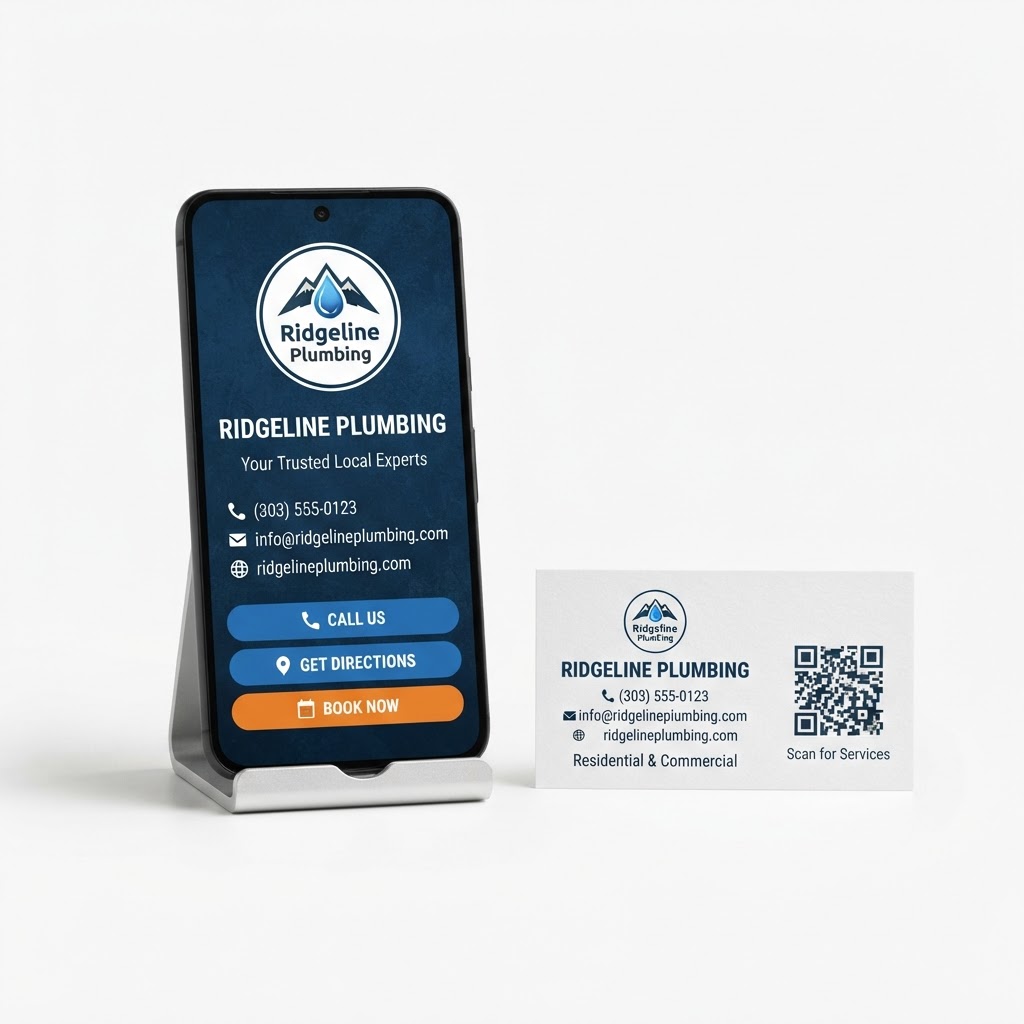
A digital business card is your contact information in a form a phone can save in one tap. Instead of a piece of card stock that gets lost in a wallet, it is a live page with your business name, your name and title, your phone, email, website and address, reachable through a QR code you can print on anything.
The advantage is not that it looks modern. It is that a card you cannot reprint is a card frozen in time: change your number, add a second location, update your website, and every printed card becomes wrong. A digital business card keeps working, because the code points at the card and the card can be updated whenever you need to.
PromoMax generates the card and its code from the details you already have, so you and your team can share contact information without ordering another box of cards or hand-writing your number on the back of an old one.
The code is the useful part. Printed on the side of a truck, taped to a counter, added to an invoice footer or worn on a shirt, it turns surfaces your customers already look at into a way to keep your number. Someone who scans it once has your business saved under its own name, which is how you get called next season instead of searched for again.
Inside the tool
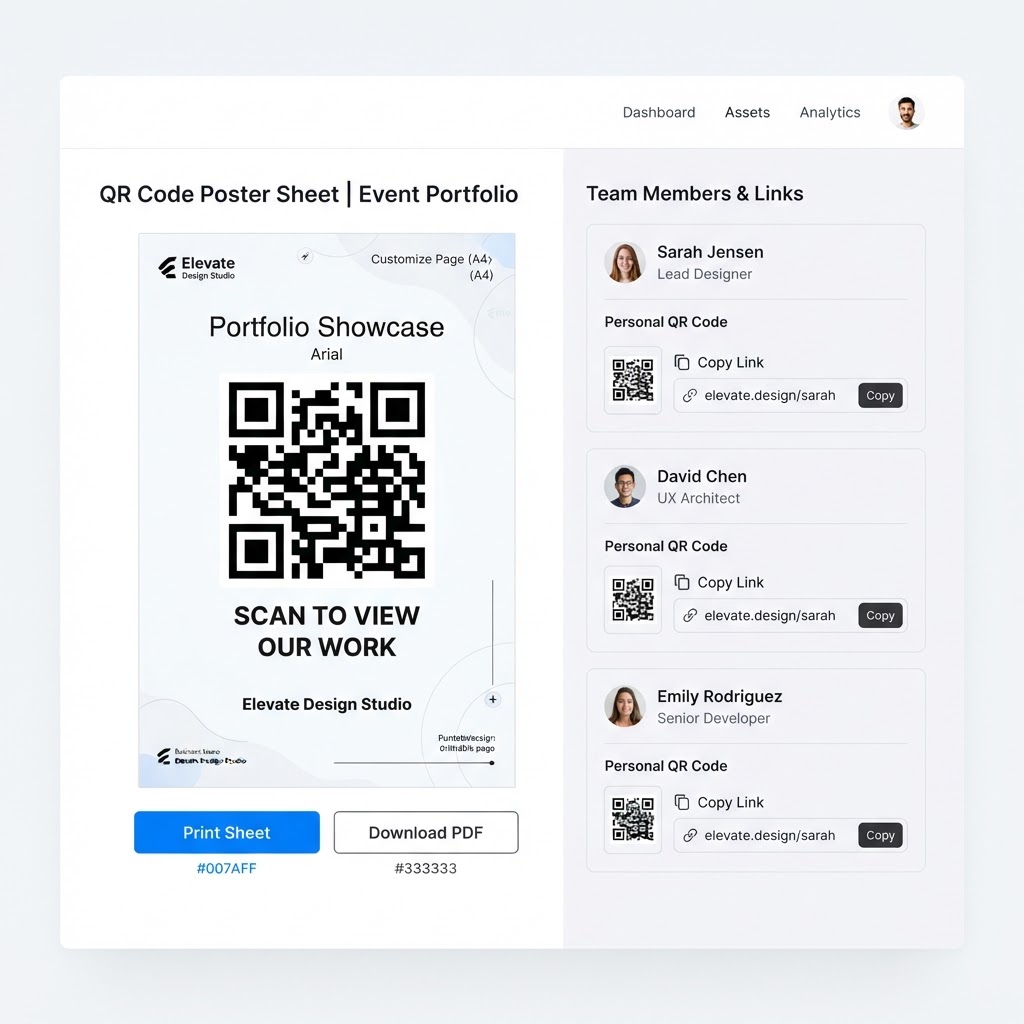
A real screen from the Digital Business Card with QR Code
The problem
The problem: printed cards run out and go stale
A plumber hands a customer a card. The customer puts it in a pocket, and it goes through the wash. Or the office manager takes a photo of it, mistypes the number, and never calls. Meanwhile the box of 500 cards sits in a drawer, half of them already showing an old phone number because the business line changed two years ago.
Team cards are worse. Every new hire needs a new order, every promotion needs a reprint, and nobody wants to be the person who requests 250 cards for a technician who might leave in the spring. So field staff end up writing their number on a work order, which is exactly the moment your branding disappears.
And the card does nothing while it sits in the drawer. A truck, a counter, an invoice, a shirt and a job site sign are all places where a card could be doing work every single day, if the code on it were something a customer could scan instead of a number they have to type.
There is also the referral moment, which is the one most businesses waste. A happy customer tells a neighbor who did the work, and the neighbor asks for the number. If the customer has to scroll through old text messages to find it, the referral often dies there; if your business is already saved in their contacts from a scan months earlier, the number arrives in seconds.
How it works
How the digital business card works
- 1
Fill in exactly what the card should show
Business name, your name and title, phone, email, website and address. That is the whole form, and it is the same information you would put on a printed card, minus the design software.
You can create a card for yourself and one for each person on your team, each with their own details and their own code.
- 2
PromoMax generates your card and its QR code
The card is created with its own QR code, ready to be scanned or printed wherever your customers already look: trucks, counters, invoices, shirts, job site signs, estimates and email signatures.
There is nothing to design and no file to send to a printer. The code is yours, and it stays the same for as long as you want it to.
- 3
Customers scan it and save your business
Someone points their phone camera at the code, lands on your card, and saves your business to their contacts in one tap. No app to install and no website to hunt down.
That saved contact is worth more than a card in a pocket: it is your name in their phone the next time they need the service, and the next time a neighbor asks who to call.
- 4
Update once and the same code keeps working
New phone number, new website, new address: change it in the card and every scan after that shows the current details. The code on the truck does not need to be reprinted.
That is the difference between a digital business card and a scan of a printed one. The code is permanent, the card is editable.
What's inside
What you get with the digital business card
Your own digital card
your contact details in one page designed to be saved to a phone in a tap.
A card and code for each team member
every person in the field can share their own card, without anyone ordering another box of cards.
A QR code for anywhere customers look
trucks, counters, invoices, shirts and job sites, printed once and never outdated.
Always-current details
change your number or address once and every future scan shows the correct information.
No printing costs and nothing to run out of
the card cannot be left in a drawer or washed in a pocket.
Ready when you are
Digital Business Card with QR Code is already built — it just needs your business connected.
One login runs this tool plus every other tool in the PromoMax system.
Who it is for
Who it is for
It is for any local business whose customers meet them in person: plumbers, HVAC companies, roofers, electricians, landscapers, cleaners, salons, dentists, restaurants, contractors, real estate agents, and any local service or product business that hands out contact details at a job, a counter or an event.
It works for a one-person operation and for a crew where every technician should be able to hand over their own details. If your team is still writing numbers on work orders, the card and its code replace that habit immediately.
It is equally useful at the front desk of a salon, on a food truck window and in the hand of an agent at an open house, anywhere a customer meets the business in person and would rather save a contact than carry a card. And when something changes, a new number or a second location, the code printed last year still points at the current details.
The card shows what you choose and nothing else, so it stays clean: no upsells, no unrelated links, just the details a customer needs to reach you. On a phone, the important parts, calling and saving the contact, are the first things a thumb finds.
It also feeds the rest of your system. The same code can sit next to a review request at the counter, because a customer who saves your business is a customer who can find it again when they are ready to leave a review, which is the moment most businesses lose.
Because the card is a web page rather than a file, it loads on whatever phone scans it, with no app store in the way. That matters in a driveway with one bar of signal: the customer scans, the card opens, the contact saves, and the whole exchange takes less time than finding a pen. Print the code at a size that scans from a few feet, keep it in the same place on every truck and counter, and it becomes part of how customers recognize you.
Part of the system
Part of a complete marketing system
The card is the smallest piece of PromoMax, the complete marketing system on autopilot, and it feeds the rest: it gets customers to your Google listing and your reviews, which is where local decisions actually happen. The same system ranks your Google Business Profile on Google Maps and Google, publishes articles and job content to your website, and builds the signals that get your business mentioned by AI assistants like ChatGPT, Claude, Gemini and Perplexity.
A scan at the counter is a customer you now own, and that is what makes it worth having on the truck.
FAQ
Frequently asked questions
What is a digital business card?
It is your contact information on a page a phone can open and save in one tap, reached through a QR code instead of a paper card. A digital business card never goes out of date, because you update the page rather than reprinting the card.
How does the QR code work?
You print or display the code wherever a customer might look, such as a truck, a counter or an invoice. When someone scans it with their phone camera, it opens your card, and they save your business to their contacts from there. The code stays the same even when your details change.
Do customers need an app to scan it?
No. Any modern phone camera reads a QR code and opens the link. There is nothing for your customer to install and no account to create.
Can I update my card after printing the QR code on things?
Yes, and that is the main advantage. The code points at your live card, so a change to your phone number, website or address appears on every future scan while the printed code stays exactly as it is.
Is it only for me, or my whole team?
Both. You create your own card, and each person on your crew can have theirs with their own details and code. That means every technician can hand over accurate contact information without anyone ordering a new batch of printed cards.