What it is
Make a Supplied Image the Starting Point
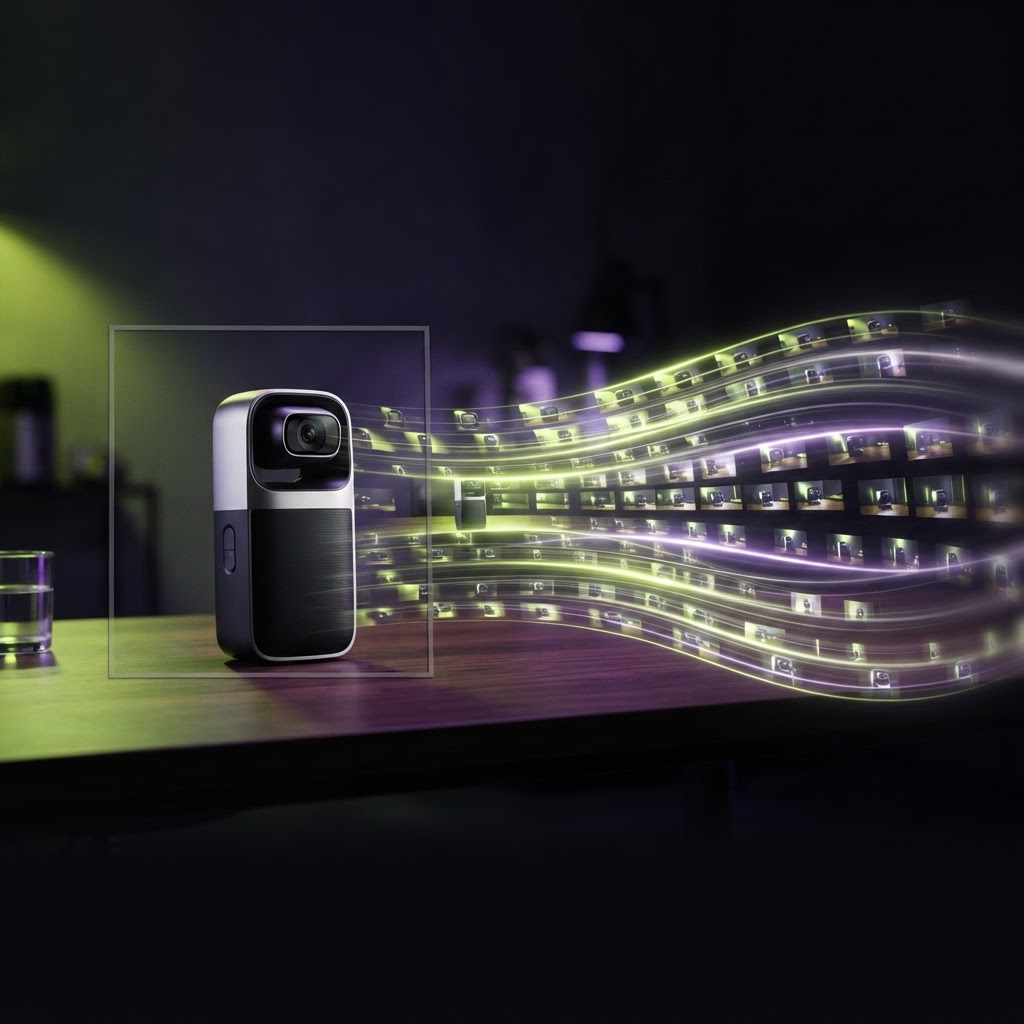
PromoMax image to video creation begins with an image you choose, rather than an entirely text-generated scene. You supply the picture and describe the movement or treatment you want. The generator produces a video based on that starting material, giving you a way to explore motion using assets your business already owns.
This is useful when the image itself matters: a product you sell, a space customers recognise or a service photo you want to feature. It is still a generative process, not a guarantee that every edge, word or physical detail stays unchanged. PromoMax gives you the creation workflow; you review whether the result is accurate enough for the claim and placement you have in mind.
The source image is part of the creative brief. A wide interior photograph may show useful context but leave the main subject small; a close product image may preserve detail but provide little room for camera movement. Choose the image for the treatment you want rather than uploading the first available file. Check whether the subject is complete, whether the background exposes private information and whether the intended crop removes something essential. PromoMax starts the generation from the material you choose. It cannot recover consent, accurate product details or a missing part of the photographed subject simply because the request asks for a polished result.
The problem
Use the Photo Without Recreating the Moment
Your strongest photo may come from a job that is finished or a product setup that is no longer available. Repeating the shoot just to obtain a short motion asset can be impractical. Starting from that image lets you create a new marketing treatment, while retaining the original photo as the reliable record of what was actually there.
For a hypothetical restaurant promotion, a real dish photo can establish the actual presentation while a restrained camera treatment adds movement. Asking the generator to add ingredients, change portion size or show customers enjoying the dish would create a different claim. Decide which features must remain fixed and reject output that changes them. The same rule applies to a tradesperson showing a finished installation: animated surfaces or invented tools should not become evidence of the job. Retain the original image so you can compare the finished clip and return to the unchanged still whenever the generated interpretation is unsuitable for the campaign.
How it works
How PromoMax Delivers Image to Video Creation
Review the clip at the beginning, middle and end, not just its thumbnail. A face can shift after the opening frame, a product edge can deform during movement, and signage can become inaccurate even if the source image was clear. Check all information that a customer might use to decide whether to buy. If a detail matters, reduce the complexity of the requested motion or keep that image static. After choosing a suitable result, prepare a caption that explains the genuine product or service without claiming that the added movement was filmed. Generation availability and usage are governed by the selected tool and account access.
- 1
Choose a clear image you can use
Start with a well-lit picture and one obvious subject. Confirm you have permission to use it, particularly if customers, private homes or third-party brands are visible. Avoid treating a customer photo as public marketing material without the necessary consent.
- 2
Describe a controlled visual treatment
Explain the movement and intended emphasis in plain language. A restrained scene is easier to review than one asking the generator to invent extensive activity. Choose the available settings for the output and submit the image through the supported creation flow.
- 3
Compare the clip with the original
Check product shape, workmanship, signs, faces and other important details. Keep the original still when the generated result changes something material. Save a suitable clip and prepare an accurate caption; do not present an invented transformation as a before-and-after result.
What's inside
What You Get With Image to Video Creation
An image-led video brief
A creation request anchored to the picture you select. You can focus the treatment on the element that matters to the message instead of accepting an unrelated generated scene.
Generated motion from a still
A moving result created from the source image and your direction. The exact treatment depends on the chosen generator and settings, and it should be checked before public use.
A reusable marketing asset
A video file you can use alongside the original image in an appropriate campaign. Select placements that suit the available output dimensions rather than assuming multiple automatic crops.
A business-specific explanation
Use PromoMax content tools to explain the service or product shown. The caption can supply genuine context, the business name and the next step without pretending generated action was filmed.
Ready when you are
Already Have a Photo Worth Sharing?
Use it as the starting image and review a motion treatment before you publish.
Who it is for
For Businesses With Useful Photos Already on Hand
Product sellers, restaurants, salons, property businesses and trades can use a good image as the starting point for a promotional visual. A single clear photo is enough to explore the workflow; you do not need a connected storage library. For clinical results, technical workmanship or products whose details must be exact, favour the unchanged photo whenever animation introduces uncertainty. Attractive motion is not worth misrepresenting the thing you sell.
Image-led creation can support an existing content idea without becoming an obligation to animate everything. Choose a small set of approved images for a specific campaign and keep unrelated photographs out of the request. Businesses working in customers’ homes should check visible addresses, family photographs and identifying possessions. Teams using staff images should confirm permission for the intended treatment rather than assuming permission for a photograph extends to every generated action. If the use requires an exact depiction, use the original media. A useful marketing asset should make the message clearer; it should not introduce uncertainty about a person, product or completed piece of work.
Part of the system
Keep the Image, Video and Caption Telling the Same Story
PromoMax image-based video tools work alongside content creation and social scheduling. Use the video as another treatment of an existing idea, not as an automatic replacement for every photo. A useful campaign may include the original image, a generated clip and a caption with the verified details. Each asset should make the same truthful point about your business.
Where a generated treatment appears realistic, the upload may require an AI disclosure. YouTube sets out that distinction in its realistic AI-content disclosure guidance. Review that requirement before publishing an image-derived clip to YouTube. A realistic starting photograph does not make the added action a genuine recording, and a generated result should not imply an endorsement the person never gave. Keep the original permission, the intended use and the final presentation aligned. Other destinations have their own requirements, so one platform’s label should not be treated as universal compliance for every channel.
The available file also needs to match the intended placement. YouTube explains how qualifying square and vertical uploads are categorised in its Shorts format guidance. Use the source picture and available generator settings to plan the output, then inspect the result rather than assuming a crop is harmless. A portrait placement may cut away the product label or the part of a job the caption describes. PromoMax content and scheduling tools can support the next steps, but you still need to select a suitable destination and check that its published presentation tells the same accurate story as the original image.
Sources
Official documentation referenced above
FAQ
Frequently asked questions
Do I need a professionally photographed image?
No. A clear phone photo can be a suitable starting point. Good light, a clear subject and minimal visual clutter make the result easier to direct and inspect. You still need permission to use the source image.
Will the photo remain completely unchanged?
That is not guaranteed. Image-based generation can alter details while adding movement. Compare the video with the original and reject any result that misrepresents a product, a customer or your work.
Can I animate customer or employee photos?
Only when you have the rights and consent needed for the intended use. Be especially careful with faces, private information and implied endorsements. Using a photo in a generated scene does not create permission to advertise with it.
Will PromoMax publish the uploaded photo automatically?
No. Supplying an image for creation is not the same as choosing a public destination. Review the resulting video and use the separate publishing or download options appropriate to your campaign.