What it is
A Video Tool With a Business Purpose
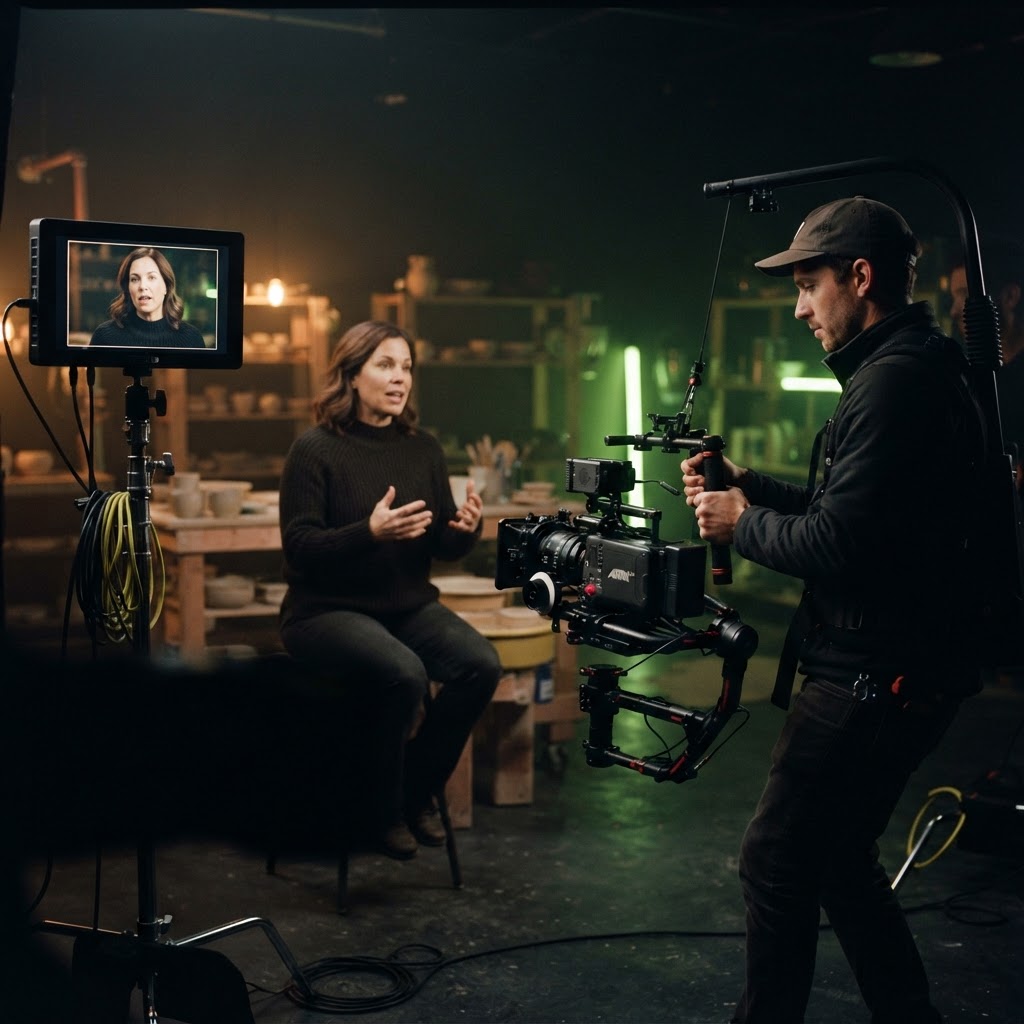
PromoMax video generation turns a written visual brief or a supplied image into a video asset. You choose what the scene should communicate, select the available generation options and review the finished output. The service is useful for a short service introduction, a promotional visual or supporting imagery for a campaign when a filmed production is not practical.
We connect that production task with the marketing work around it. Your business information helps shape what to say, while content tools help prepare the accompanying copy. The video generator creates the moving asset; it does not independently verify a service claim or decide your commercial terms. You keep control over which result represents your company and where you use it.
Choosing a generation method starts with what must remain accurate. An abstract scene illustrating organisation can be text-led because it does not need to reproduce an exact object. A visual based on a real product may benefit from a supplied picture, but still needs comparison with the original. An actual repair procedure may require filming instead. PromoMax provides creation tools for the first two situations; it should not be described as recording something that happened. Make that distinction in the brief so the production is judged against the right standard. A plausible-looking tool, vehicle or building does not prove that your business owns it or uses it.
The problem
Get Past the Empty Timeline
Traditional editing asks you to arrive with footage and a plan before you can begin. PromoMax gives you another starting point: describe the scene or provide an image. This removes the need to gather clips simply to test a visual idea. You can explore a concept before investing in a shoot, while reserving genuine footage for the people, places and completed work that must be shown accurately.
A vague request often creates a difficult review. If the brief asks for a professional business video without naming the action, any polished output might appear acceptable even when it sells the wrong thing. Define the subject, camera treatment, setting and prohibited details first. For example, a hypothetical furniture seller might ask for a slow view of a chair while excluding invented labels, price graphics and people. The exact product still needs inspection. This makes feedback actionable: change the movement, reduce the scene complexity or use the original image. It is more efficient than repeatedly generating unrelated ideas and hoping one becomes a coherent advertisement.
How it works
How PromoMax Delivers Video Generation
Check the production controls before making promises about delivery. The settings available for the selected workflow determine duration, framing and any audio support. Do not plan an entire edited sequence around a single generated clip or assume a new request will precisely reproduce a previous character or scene. Start with the most important visual and decide whether it communicates the message on its own. Keep approved copy separately so it can be corrected without regenerating material unnecessarily. Once you have the final asset, check its playback, the surrounding caption and the destination link before using the scheduling or download option suited to your campaign.
- 1
Describe what belongs on screen
Name the subject, setting, action and intended use. A useful brief says what the viewer should see, not just that the result should look professional. Keep factual business claims in the approved copy and do not ask a visual model to invent credentials, customers or completed projects.
- 2
Select the available production options
Choose the generation workflow and settings shown in the video tool. Text-based and image-based generation serve different needs. Length, orientation, audio and model choices vary by option; choose what is actually available rather than assuming every asset includes every format or soundtrack.
- 3
Inspect the result before using it
Watch the generated file for visual mistakes, misleading details and suitability for the placement. Save the result you want, or change the brief and generate again when needed. Add the approved caption and publish only after checking the destination and the relevant account connection.
What's inside
What You Get With Video Generation
Text-based video creation
A way to produce a scene from written direction when you do not have a starting image. Describe the visual precisely and use it to illustrate the message rather than to fabricate proof.
Image-based video creation
A workflow that starts from a picture you supply. This can help carry a product, place or service image into moving content, subject to checking how the generator changes the image.
Saved video output
The generated video can be kept with your created work and downloaded where the tool provides that option. Saving an asset and publishing it are different steps with different requirements.
Supporting marketing copy
Use PromoMax content creation to prepare the service message, caption and next step that accompany the video. A clear caption remains important when a visual alone cannot explain the offer.
Ready when you are
Turn the Visual in Your Head Into a First Version
Use a written scene or a starting image, then review what PromoMax generates.
Who it is for
For Campaigns That Need More Than a Still Image
Video generation fits an owner testing a campaign idea, a small marketing team filling a content gap or a business introducing a service without a camera crew. It is best used for illustrative marketing. If you need a precise product demonstration, a real interview or evidence of workmanship, film the genuine subject. Generated movement can be imperfect, so a useful brief and a careful review are part of producing a responsible finished asset.
A practical evaluation considers accuracy, usefulness and effort rather than production novelty. Compare the generated clip with a still image serving the same message. If movement draws attention away from the product, the still may be better. If the clip explains an otherwise abstract service, it may earn its place. For regulated services, have the relevant reviewer examine the whole presentation, including spoken wording, implied results and visuals. The account holder remains responsible for the marketing claim. PromoMax helps produce the asset, but does not replace technical verification, advertising review or permission from a person whose likeness or property is used in the material.
Part of the system
One Production Step in Your PromoMax Workspace
Your video can sit alongside social posts, images and articles about the same business. Use the same approved service names and contact information across those formats. PromoMax offers separate tools for content, video and scheduling, so you can choose what the campaign needs without assuming a single generation request also writes, voices, captions and distributes an entire film.
The public destination imposes its own presentation rules. YouTube describes the square or vertical format used for Shorts in its Shorts classification documentation. That is a destination rule, not an assurance that every PromoMax workflow generates all permitted lengths or orientations. Select a format that the creation tool actually offers and check the exported file before scheduling. If another channel needs a different crop, review that version independently. Important objects and any explanatory text must remain visible in the version the audience receives, not only in the original full-frame preview.
A generation can also change how viewers understand what they are watching. YouTube explains when realistic generated or altered material must be disclosed in its disclosure requirements for AI content. Use that guidance when preparing a YouTube upload, and consult the relevant destination for other channels. A disclosure does not make a fabricated testimonial acceptable or turn imagined workmanship into real evidence. Keep production and proof separate throughout your campaign. The same distinction should appear in the caption, on the landing page and anywhere else the generated visual is reused.
Sources
Official documentation referenced above
FAQ
Frequently asked questions
What do I need to start?
A clear idea of the scene and the service it supports. You can provide written direction or use a starting image where supported. For accurate business messaging, also have your service details, contact path and any offer terms ready.
Does every video include narration and subtitles?
No. Audio, narration and caption features depend on the selected workflow. Check the options shown in the tool; do not assume they are bundled with every generated scene or every account plan.
Can I use generated scenes as photos of our completed work?
No. They are generated marketing visuals, not documentary evidence. Use genuine job photos and footage for actual work, and make sure the presentation does not mislead a viewer about what your business has done.
How long does generation take?
It depends on the selected generator, settings and service availability. PromoMax shows the generation in progress. Review the completed result before planning a publication deadline around it; a fixed delivery time is not promised here.