What it is
The Profile Work, Prepared and Controlled
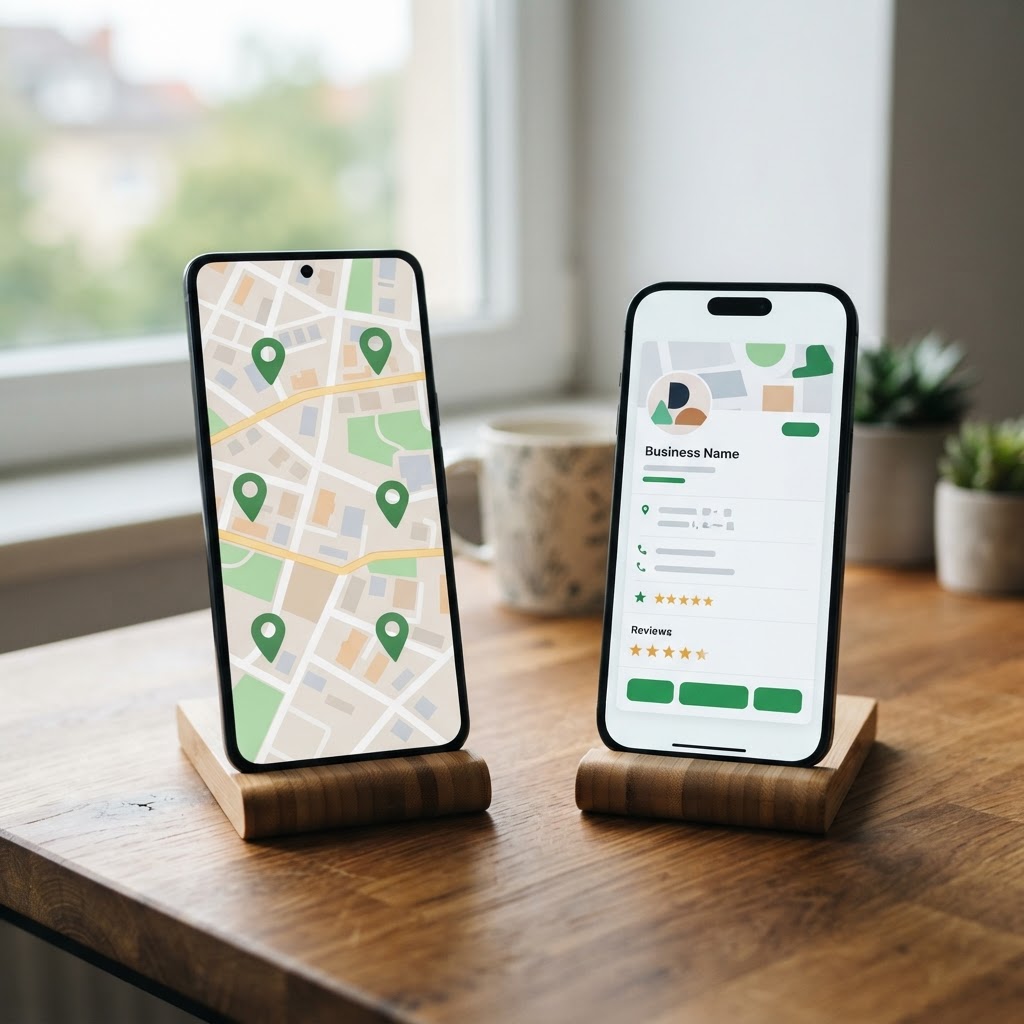
Local SEO management in PromoMax centers on your Google Business Profile. The tool scores the profile out of 100 and names the missing or weak parts: categories, services with descriptions, business description, hours, attributes, photos, posts, service areas and contact details. The fixes are prepared inside PromoMax and sent to Google only after you approve them.
That approval step is deliberate. A profile is business-critical infrastructure; a wrong category or a mangled address costs enquiries. PromoMax reads your profile, proposes the change with its reason, and writes it only when you accept. Nothing is overwritten blindly on your behalf.
A Google Business Profile is not a one-time setup task. The details that matter to a nearby customer change with the season, the staff, the services and the hours. A profile that lists a service you no longer offer, or hours that ignore a holiday closure, creates a bad first impression at exactly the moment somebody is deciding whether to call. PromoMax scores the profile, prepares proposed changes and sends them only after you approve. That approval step is the point: you are the only party who can confirm a category, an address or a service description reflects how the business actually operates.
The problem
A Profile Goes Out of Date Quietly
Your profile is not a launch task. Hours drift around holidays, a service is retired but stays listed, the phone number changes on the website and not on Google, reviews stop arriving because nobody asks. Each mismatch costs the customer who notices, and activity signals matter to how prominently you appear. Management means someone is checking and improving it every month.
Profile work also gets confused with reputation work. Completing missing attributes does not create reviews, and collecting reviews does not fix an incorrect category. Keep the tasks separate. Fix the factual fields first, then build a habit of asking customers after completed work, then keep the listing active with genuine photos and updates from real jobs. If a customer raises a problem publicly, respond to the specific issue rather than sending a generic message. A generic thank-you repeated across every review reads as automation, which is the opposite of the trust the profile is meant to build.
How it works
How PromoMax Delivers Local SEO Management
Understand what the profile is competing on. Google’s local ranking guidance describes local results as mainly based on relevance, distance and prominence. That framing is useful because it separates what you can change from what you cannot: you can make the profile more relevant and more prominent through accurate service information, complete details and genuine activity, but you cannot move a customer closer to the business. PromoMax prepares relevance improvements and review requests; it does not promise a map position or a number of calls.
When you reply to reviews, protect the customer’s privacy and avoid turning the response into advertising. Google’s review reply guidance recommends replying to the specific feedback, addressing the reviewer by name, signing off personally and moving a complex dispute to a private conversation. PromoMax can draft and schedule the request that follows a completed job, but the reply itself should sound like the business. Review the wording before it publishes, and never include details about a customer’s address, job or payment in a public response.
- 1
Connect the profile and see the score
Link your Google Business Profile through Google's permission flow, then review the score and the list of issues. You can see what is complete, what is missing and what has been prepared for your approval.
- 2
Approve the fixes that are correct
Read each proposed change, adjust the wording where needed and approve it. PromoMax sends the approved update to Google. Some edits go live immediately and some are reviewed by Google, so the profile can take time to reflect a change.
- 3
Keep collecting reviews and fresh material
Send review requests after completed jobs, with a personal link and QR code for each team member. Track which requests convert into submitted reviews, and add photos and posts from finished work so the listing shows an operating business.
- 4
Review what changed each month
Return to the score and the open items, replace seasonal photos, answer new reviews and update hours before holidays. Local management is a maintenance habit rather than a one-time optimization.
What's inside
What You Get With Local SEO Management
Profile score with named gaps
A clear view of what is complete and what is missing, section by section, instead of a vague recommendation to "optimize your profile".
Prepared fixes with approval
Category, service, description, hours, attribute and service-area changes drafted for your review before anything is written to Google.
Review request system
Requests sent by text or email with a direct review link, employee links and QR codes, plus tracking from sent to submitted.
Photos, posts and service areas
Material from real work turned into profile activity, and service areas set for the places you actually cover without inventing an office.
Ready when you are
Know Exactly What Is Holding Your Profile Back
Connect your Google Business Profile and review the score, the gaps and the prepared fixes.
Who it is for
For Local Businesses That Live on Calls
This service is built for businesses whose customers search nearby and then call or book: plumbers, roofers, electricians, HVAC companies, landscapers, cleaners, salons, dentists, restaurants and contractors. Storefronts and service-area businesses are handled differently, since a service-area business hides its address and relies on defined areas. Both are supported through the same profile tools.
This fits local businesses whose customers search nearby and then call, book or visit: trades, clinics, salons, restaurants and professional practices. It fits less well if nobody in the business can approve changes, because unapproved drafts do nothing. Storefronts and service-area businesses need different treatment, since a service-area business hides its street address and relies on defined areas. PromoMax supports both through the same profile tools, but the settings must match how the business actually operates rather than how it would like to appear.
Treat the profile as the place customers confirm what they already read elsewhere. If your website lists a service, the profile should list it too, with wording that matches. If your website says a booking is required, the profile should not imply walk-ins. These small mismatches are what make a customer hesitate at the moment of deciding. PromoMax prepares profile changes from the same business details used for website content, which reduces the chance that the two drift apart. The approval step exists so you can catch the cases a tool cannot know: a temporary closure, a new hire, a service quietly retired last month.
Part of the system
Profile, Website and Reviews Working Together
PromoMax pairs profile management with service pages on your site and review collection after jobs. A service claimed on your profile should have a page that explains it, and the reviews you collect should support the same promise. Search engine optimization, job check-in photos and social posting all draw from the same business profile, so the details stay consistent.
Sources
Official documentation referenced above
FAQ
Frequently asked questions
Do I have to give PromoMax access to my profile?
Yes, management requires access through Google's own permission flow. PromoMax proposes each change and writes only what you approve, so you keep control of the listing.
Will changes appear immediately?
Not always. Some edits publish right away; others are reviewed by Google before they show. PromoMax shows the status rather than promising an instant update.
Can you fix a suspended profile?
PromoMax includes a suspension recovery path that walks through the reinstatement process. The outcome depends on Google's review, so no timeline or result can be guaranteed.
How many reviews will this get me?
There is no fixed number. PromoMax sends the requests and tracks them; whether a customer writes a review is their choice. What you control is asking every customer consistently.