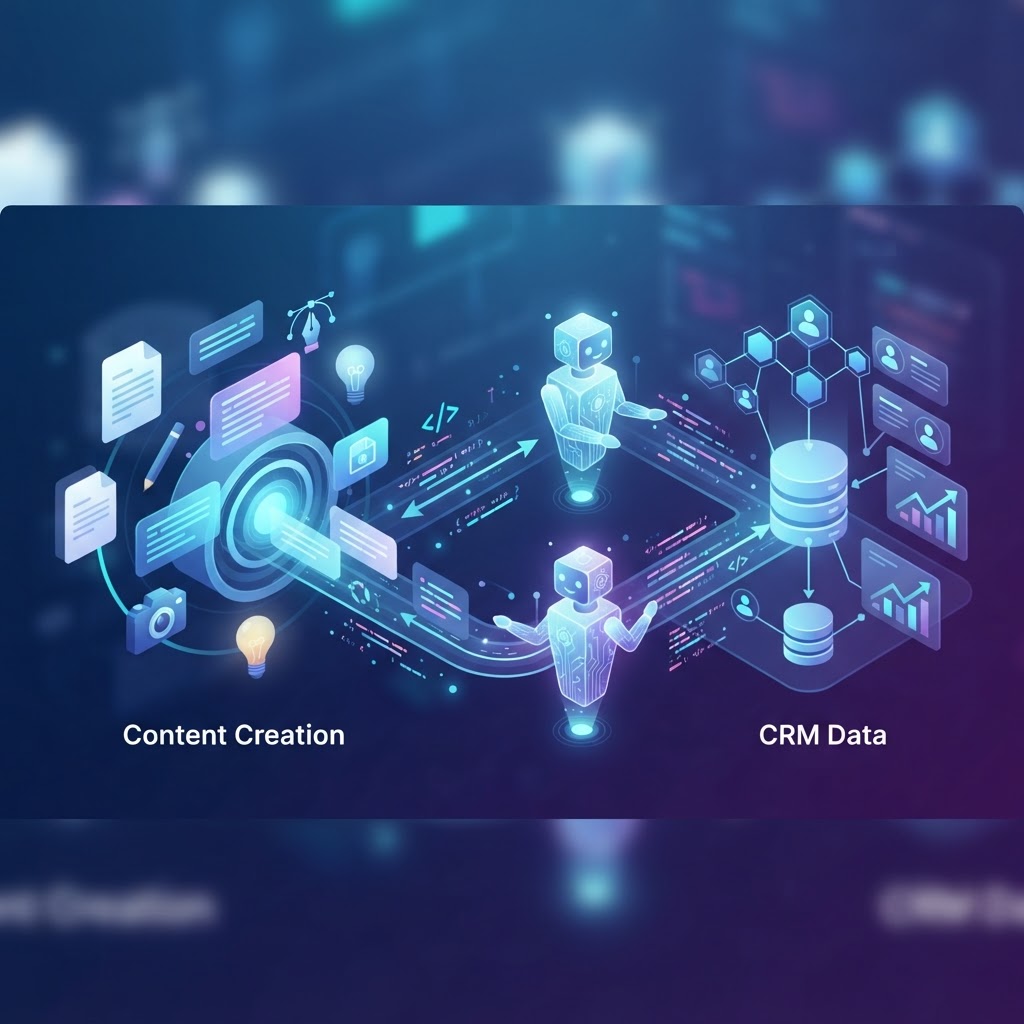
Integrating your CRM data with AI content creation tools allows your small business to transition from generic blasts to highly personalized marketing communications at scale. By leveraging this integration, you gain the ability to hyper-target your audience, ensuring that every piece of content—from emails to social media posts—resonates with the specific needs and behaviors of your customers. This data-driven approach is the primary secret to increasing conversion rates while drastically reducing the time your team spends on manual content production.
Short on time? Enter your website and see what it would write for your business — free, in about 30 seconds.
The Core Benefits of AI Content Creation Integration
When you rely on AI without data context, you often receive generic, uninspired content that fails to connect with your audience. However, by incorporating AI content creation integration with your CRM, you transform your marketing machine. You move from broadcasting one-size-fits-all messages to delivering tailored value that speaks directly to the customer's current stage in their buying journey. This process works because it automates the synthesis of complex behavioral data, such as purchase history, click-through rates, and interaction timelines, into natural language communications.
How to Architect Your Data-Driven Workflow
To successfully build an ecosystem where your CRM and AI collaborate, you must focus on structured data inputs. Think of your CRM as the brain holding the knowledge, and your AI agent as the writer communicating that knowledge. Follow these essential steps to implement this workflow:
- Audit your CRM segments: Ensure your CRM has clearly defined fields such as 'Last Purchase Date', 'Interest Category', and 'Churn Risk Score'.
- Choose your connectivity layer: Use platforms like Zapier, Make, or native API connectors to link your data source to your chosen AI content generator.
- Develop dynamic prompts: Create templates that use variables. Instead of writing a static email, use a prompt like 'Write a 150-word educational email for [Customer Name] who recently purchased [Product X], highlighting [Benefit Y].'
- Test and iterate: Start by sending these personalized messages to a small test group to measure engagement before rolling them out to your entire database.
Strategic Examples for Small Businesses
Consider the difference between a mass email and a data-triggered communication. If a customer visits your product page for a specific service three times in one week but does not purchase, a standard CRM might just add a generic tag. With AI integration, you can trigger an automated, personalized outreach that references those specific visits, offers a solution to a potential barrier, and invites the customer to a consultation. This demonstrates to the customer that you are paying attention to their individual needs, which significantly builds brand loyalty.
Common Pitfalls to Avoid
Avoid the common mistake of 'data dumping' into your AI tools. If you provide too much irrelevant data, the AI output becomes muddy and lacks focus. Always curate the specific fields you pass to the AI. Another frequent error is ignoring human oversight. While AI is efficient, you must maintain a quality control process to ensure the brand voice remains consistent across all touchpoints. Failing to clean your data before syncing is also a major hurdle; if your CRM entries are outdated or formatted incorrectly, your AI-generated content will inevitably suffer.
Ensuring Compliance and Security
Data privacy is non-negotiable. When integrating AI with your CRM, ensure your tools are fully compliant with GDPR and CCPA standards. You should prioritize platforms that provide enterprise-grade encryption and clear data handling policies. Never include sensitive Personally Identifiable Information (PII), such as government IDs or credit card numbers, in open AI training prompts. By keeping your data integration focused on behavioral and preference attributes, you can maximize personalization while maintaining a secure and ethical marketing practice.
Frequently Asked Questions
Can I integrate AI with any CRM?
Most modern cloud-based CRMs offer robust APIs or pre-built integrations that allow for connection with AI platforms. Provided your CRM stores data in a structured, accessible format, it can typically be used to fuel content generation.
Will this replace my human marketing team?
No. AI agents act as force multipliers, handling the heavy lifting of data synthesis and draft creation. This frees your team to focus on high-level strategy, creative direction, and relationship management.
How long does it take to see results?
Small businesses often see improvements in engagement metrics within the first 45 days of implementation. By delivering more relevant content to the right people, you can expect higher click-through and conversion rates almost immediately as your audience responds to the personalized touchpoints.
Related Reading
- Integrating AI with Your Existing CRM
- Personalizing Customer Journeys at Scale Using AI
- Why Your Business Needs AI Agents Now
See what it writes for YOUR business
Go to promomax.ai right now, enter your website, and get custom posts written for your business in about 30 seconds — free, no credit card. That's hundreds of posts a month on autopilot, written in your voice, published while you run your business. 7-day money-back guarantee, cancel anytime.
Get my free posts