As a small business owner, you are constantly balancing the need for professional branding with the technical demands of maintaining a consistent social media presence. Choosing between Canva Magic Studio vs dedicated AI social media generators is not just about choosing software; it is about choosing how you spend your limited daily hours. In this guide, compare how much time each tool requires for branding and scheduling tasks, and check whether the time you save actually goes toward content creation and audience engagement. Your analytics platform should eliminate work, not create more of it.
Short on time? Enter your website and see what it would write for your business — free, in about 30 seconds.
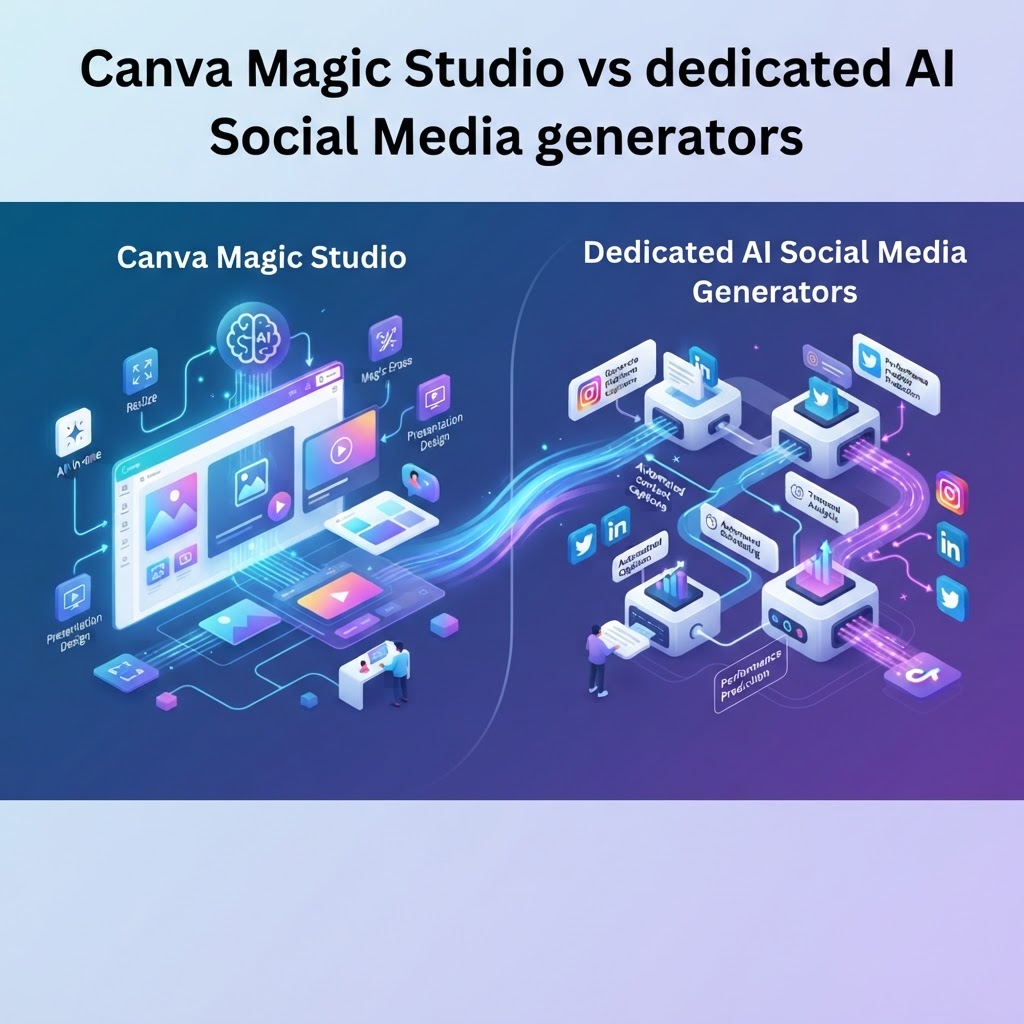
The Core Difference: Design vs. Strategy
Canva Magic Studio is a design suite with AI-assisted tools, such as Magic Write and Magic Design, that help you create static assets like resized images and captions. If you need to quickly resize an image for a specific platform or generate a headline for a single post, check whether Canva's current feature set covers your needs. However, consider the limitation that becomes apparent when you look at the full lifecycle of a post—from drafting to scheduling to analyzing performance.
Dedicated AI social media tools, such as PromoMax, are often marketed as functioning like an AI marketing agent that works across the full content lifecycle rather than focusing only on asset creation. Before choosing one, check whether the tool actually drafts full campaigns, adapts to platform-specific algorithm preferences, and manages your calendar autonomously, since these capabilities vary by vendor and change over time. Compare the specific features each platform documents rather than assuming every AI marketing tool offers the same scope of automation.
Feature-by-Feature Comparison
| Feature | Canva Magic Studio | Dedicated AI Generators (e.g., PromoMax) |
|---|---|---|
| Asset Creation | Check current templates and design tools | Compare asset-creation tools to your needs |
| Content Strategy | Check whether built-in content-strategy features meet your needs | Compare the platform's documented content-strategy features |
| Scheduling | Check the current scheduling feature set | Compare documented automation and scheduling capabilities |
| Analytics | Check what analytics the platform currently provides | Compare the specific analytics features documented by the vendor |
| Workflow Automation | Check whether workflow automation is included | Compare the vendor's documented automation workflow features |
Where Canva Magic Studio Shines
Canva can support your visual identity. Use it when you need to create brand templates, apply photo filters, or develop graphics. A common mistake is trying to force a design tool to perform marketing-strategy tasks it wasn't built for. For instance, creating a post in Canva is only one step in a broader social media process. If you spend most of your time manually crafting every post in Canva, consider whether that time would be better spent on strategy and engagement, since design tools are not built to replace strategic planning.
Why Dedicated AI Generators Change the Game
When you use a dedicated AI content creation tool, you can move from a manual process toward a more automated workflow. Some of these tools use machine learning to suggest hashtags, posting times, and caption styles based on patterns in your account's performance; check the specific documentation for each platform to see which suggestions it actually supports. Compare these suggested insights against your own performance data before relying on them to guide your editorial calendar.
The Power of Automated Workflow
An automated social media posting system can help keep your brand active even when you are busy with other parts of your business. Check how much of the "create, save, upload, and schedule" cycle each platform actually automates, since this varies by vendor. This is worth evaluating if you're expanding your presence across multiple channels, such as LinkedIn, Instagram, and Facebook.
Optimizing Your Marketing Stack
To achieve the best results, you do not need to choose just one. You should create a hybrid approach that keeps your visuals high-end while letting your automation platform handle the heavy lifting. Follow these steps to optimize your workflow:
- Use Canva to develop a library of branded, high-quality visual templates.
- Export those assets to your dedicated AI social media marketing platform.
- Check whether your AI tool can populate your social calendar, draft captions based on your brand voice, and schedule the posts for you, then enable the features that match your needs.
- If the platform offers analytics, review them at the end of each month to adjust your content strategy based on real engagement data.
By separating the creative design phase from the strategic deployment phase, you can aim for a social media presence that is both visually strong and effective. This two-pronged approach may reduce friction in content production, giving you more time to focus on high-level decisions for your business.
Related Reading
- Why You Need a 'Marketing Agent' Instead of a Tool
- Getting Started with AI-Automated Posting
- How to Build a Monthly Content Calendar with AI
- Choosing Between AI Agents and Traditional Marketing Software
See what it writes for YOUR business
Go to promomax.ai right now, enter your website, and get custom posts written for your business in about 30 seconds — free, no credit card. That's hundreds of posts a month on autopilot, written in your voice, published while you run your business. 7-day money-back guarantee, cancel anytime.
Get my free posts