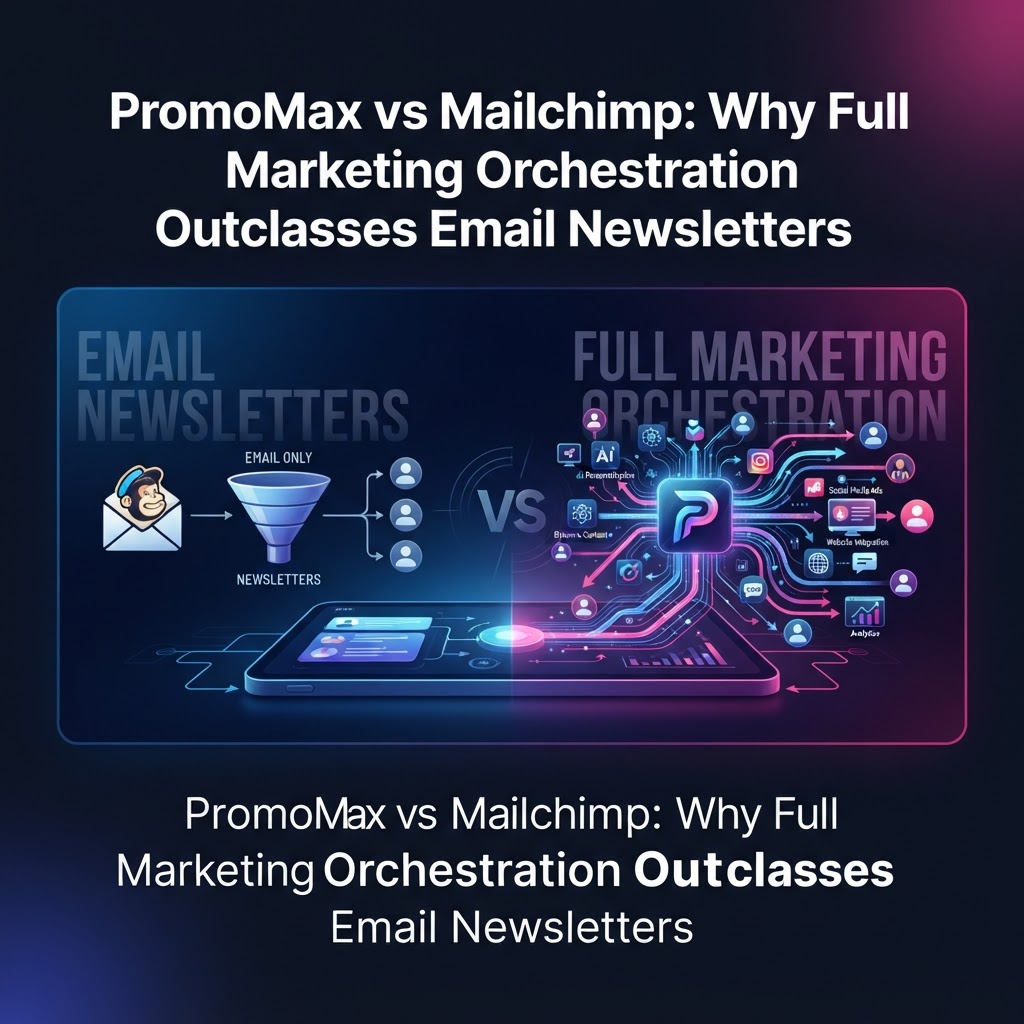
If you are a small business owner deciding between PromoMax and Mailchimp, start by reviewing what each platform currently offers. If your goal is simply to send emails, review Mailchimp's current email features to see if they meet your needs. If you want to automate more of your marketing presence—including social media, content creation, and cross-channel growth—compare PromoMax's current automation features against Mailchimp's to see which fits your workflow.
Short on time? Enter your website and see what it would write for your business — free, in about 30 seconds.
What are the fundamental differences in approach?
Mailchimp lets users create social posts within the email builder. Review Mailchimp's current automation features to see how much of your marketing beyond email it covers, and decide if that meets your cross-channel needs.
If integrated AI marketing is a priority for you, check what the AI marketing agents page currently lists for cross-platform tasks, and compare that against Mailchimp's current cross-channel features before committing.
How does the automation capability compare?
To see how PromoMax's marketing automation works, review its current feature page for what tasks it automates, and compare that against your own manual workflow to decide if it fits your needs.
- Content Creation: Check PromoMax's AI content creation page for the current list of supported content types, then compare a sample output's consistency with your brand voice against your existing writing process.
- Mailchimp lets you schedule and publish posts across multiple social media platforms. Compare its current posting features against PromoMax's social media automation page to see which fits your workflow.
- Consistency: Check how PromoMax's AI marketing team feature currently supports consistent messaging across channels, and compare that to your own process for avoiding inconsistent branding when managing multiple channels manually.
How much does it cost?
Mailchimp offers a free plan with a limit of 250 contacts. Check its current pricing page to see how contact list size, templates, and automation features affect your monthly cost. Compare that structure against PromoMax's own pricing model to see which billing approach fits your budget. You can view PromoMax's pricing here.
Putting It Into Practice
If you are currently relying on Mailchimp, start by auditing your current manual tasks. Identify the repetitive work—like drafting social captions or resizing images—and test shifting one of those tasks to an AI marketing assistant to see how much time it saves before expanding further.
Frequently Asked Questions
Can I migrate my Mailchimp email lists to PromoMax?
Before transitioning your existing customer data, contact our support team to review the specific import steps so you can plan your outreach timeline.
Is PromoMax suitable for absolute beginners?
Try the interface yourself, or check the help center, to see what level of technical or marketing experience is needed to operate it effectively for your business.
Does PromoMax offer better social media tools than Mailchimp?
To decide, compare PromoMax's current social media automation features against Mailchimp's current social media tools to see which best fits your needs.
Can I use PromoMax if I don't have a large team?
If you're a solopreneur or small team, try PromoMax's features and compare the time and cost savings against hiring additional marketing help to see if it fits your budget and goals.
Related Reading
- The Strategic Shift: Why Your Marketing Stack Needs AI Consolidation
- What are the benefits of using AI marketing automation for small business?
- PromoMax vs HubSpot: Choosing Automation Over Enterprise CRM Bloat
See what it writes for YOUR business
Go to promomax.ai right now, enter your website, and get custom posts written for your business in about 30 seconds — free, no credit card. That's hundreds of posts a month on autopilot, written in your voice, published while you run your business. 7-day money-back guarantee, cancel anytime.
Get my free posts