Review how many hours you currently spend each week on manual social media tasks such as scheduling, writing, and posting. Compare that time cost against the price of an automation platform to see which approach fits your business goals. Use this guide to evaluate whether moving beyond a manual, scheduling-only tool makes sense for your situation.
Short on time? Enter your website and see what it would write for your business — free, in about 30 seconds.
The Manual Trap: Why Scheduling Isn't Enough
If you currently rely on a scheduling-only tool, list the tasks it still requires from you, such as writing copy, sourcing photos, designing graphics, and setting posting times. Compare that list against the tasks an automation platform claims to handle for you. Test any new platform against this list before deciding whether to switch.
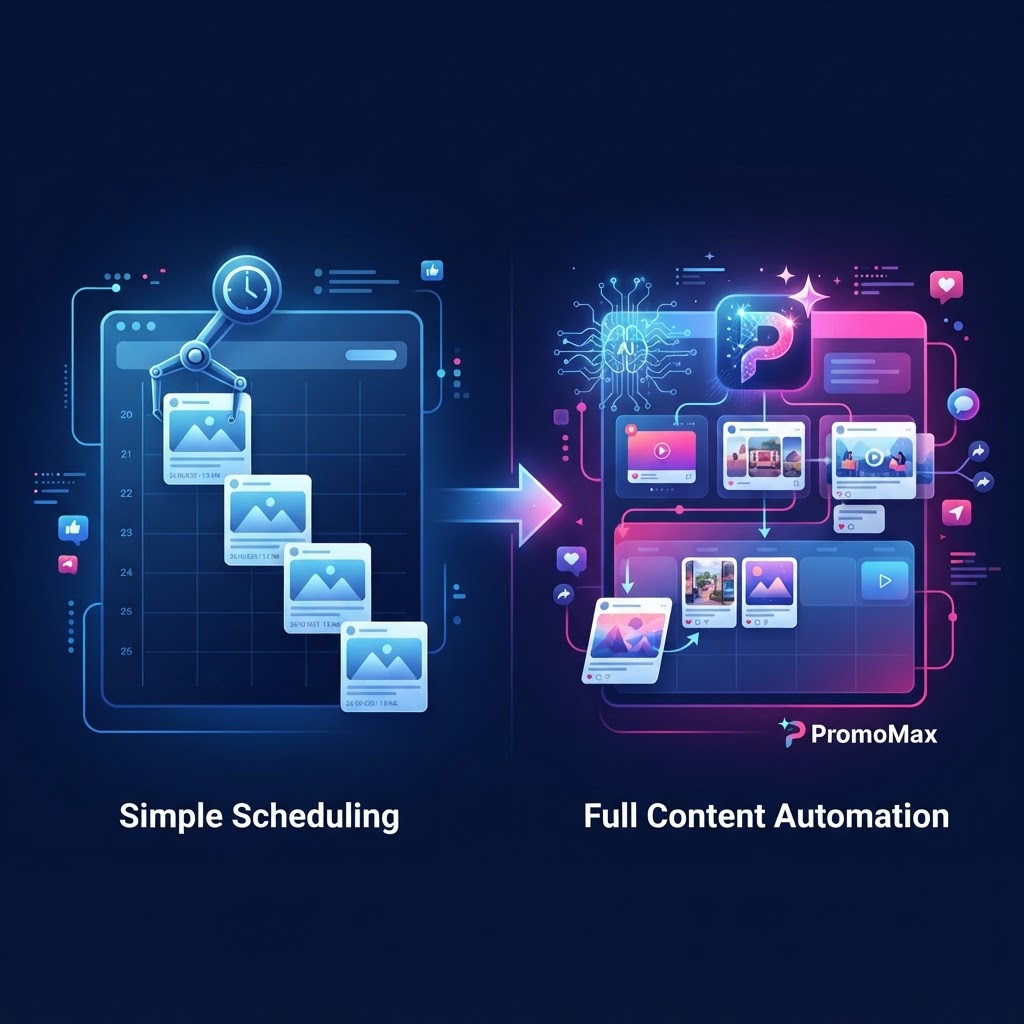
What Is the Fundamental Difference Between Buffer and PromoMax?
Before choosing a tool, compare what manual scheduling requires from you against what an automation platform claims to handle, such as content creation, trend identification, and scheduling. Reviewing social media data analytics empowers teams to make data-informed decisions about how to transform their marketing efforts and grow their businesses. Track your own engagement and time-spent metrics before and after switching tools to see whether automation actually saves you time.
Feature Comparison: The Automation Advantage
| Feature | Buffer | PromoMax |
|---|---|---|
| Content Generation | Beyond the AI features, Buffer is a really flexible social media management tool that lets you create, schedule, and manage social media content across channels. Check its current AI Assistant features to see what level of content drafting support it offers. | Full AI Generation |
| Image Creation | Check whether the platform includes built-in AI image generation or relies on third-party integrations for visuals. | Built-in AI Image Creation |
| Scheduling | Calendar-based. A strong calendar tool lets you drag-and-drop posts, color-code campaigns, and see every channel at a glance. | Autonomous / Data-Driven |
| Strategy Management | Compare whether the platform offers manual or AI-assisted strategy planning before choosing a plan. | Automated AI Strategy |
| Workflow Automation | Review the available automation and workflow features to see what fits your team's process. | Advanced Agent-Driven |
Strategic Steps for Moving to Full Automation
Transitioning from a manual queue to an autonomous system requires a shift in perspective. Follow these three steps to upgrade your operations:
- Conduct a Time Audit: Calculate how many hours you spend weekly drafting posts. Compare that time cost to the price of an automation tool to decide whether switching is worthwhile for your business.
- Adopt Automated Content Creation: Leverage your existing blog posts or business announcements to feed an automated content creation system. By doing this, you stop staring at a blank page and instead let AI turn your existing knowledge into social posts.
- Leverage an AI Post Generator: Use an AI post generator to handle the heavy lifting of drafting captions. This removes the creative bottleneck, ensuring you have a steady stream of content even during your busiest sales seasons.
Avoiding Common Pitfalls
The most common mistake business owners make is failing to define their brand voice. Even the best AI needs a starting point. When onboarding to a new platform, ensure you provide clear guidelines on your company tone, your audience persona, and your primary objectives. By front-loading this information, you ensure that the output is tailored to your business rather than a generic machine-written snippet.
Frequently Asked Questions
Does PromoMax replace the need for a social media manager?
When considering an automation tool, compare the time you currently spend drafting and scheduling posts before and after using it. Evaluate whether its features meet your needs compared to hiring an agency or a dedicated staff member for your specific workflow.
Is AI-generated content still personalized?
Provide the tool with your brand voice and guidelines, then review the generated posts regularly and give feedback so the output continues to match your tone.
Can I still review posts before they go live?
Check whether any automation platform you consider lets you review, edit, or approve content before it posts, and test that workflow yourself before relying on it for your business.
Does it work for all social media platforms?
Check the current list of supported platforms to confirm it matches the channels you use. Use it alongside your social media management strategy and as an AI marketing agent to help keep your brand active across the networks you use.
Related Reading
- Buffer vs AI marketing tools: is it worth switching?
- Hootsuite vs Buffer vs PromoMax which is best for small business
- How to Automate Social Media for small business to save time
- Buffer vs AI marketing tools: what is the difference?
See what it writes for YOUR business
Go to promomax.ai right now, enter your website, and get custom posts written for your business in about 30 seconds — free, no credit card. That's hundreds of posts a month on autopilot, written in your voice, published while you run your business. 7-day money-back guarantee, cancel anytime.
Get my free posts